

Get started
Connect your CRM
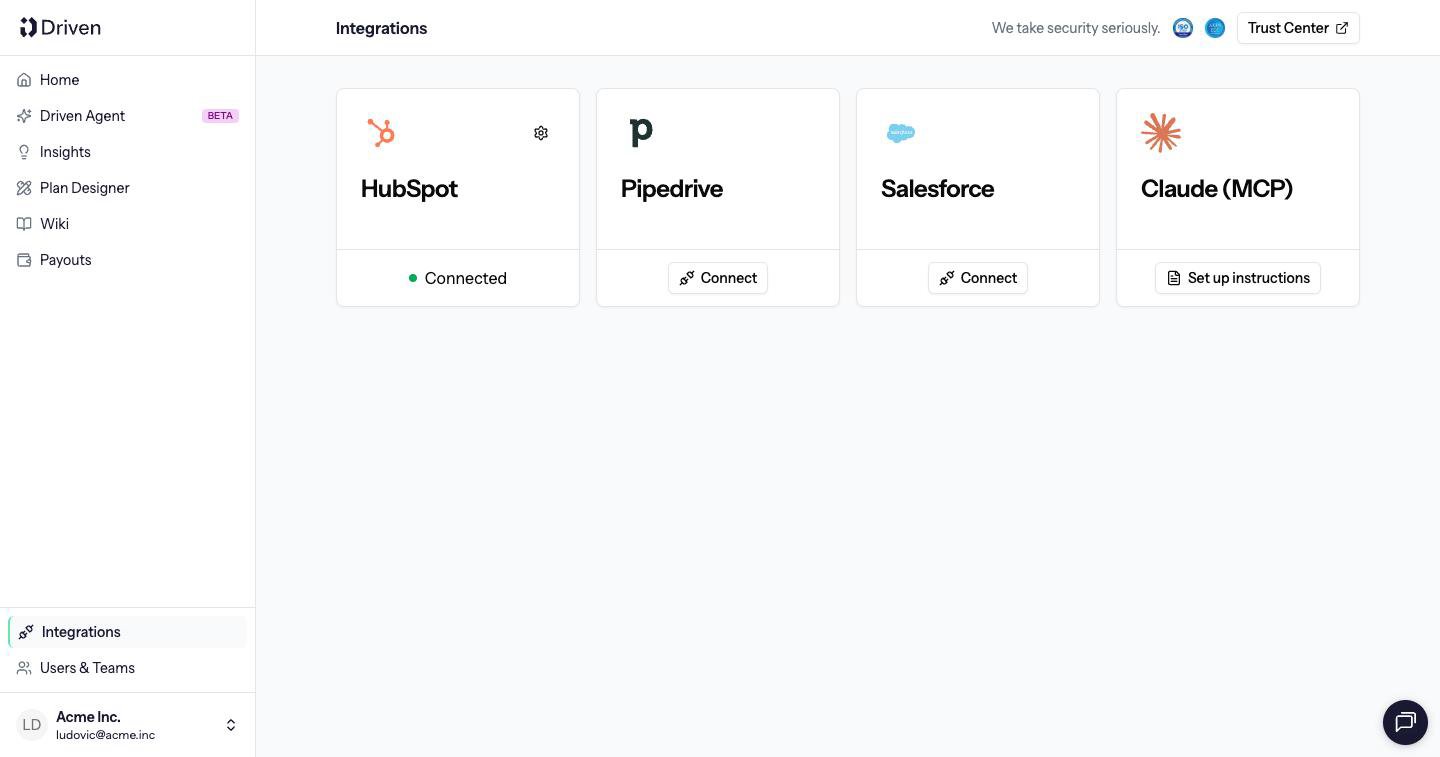
Connect HubSpot, Salesforce or Pipedrive so the Driven Agent can build a plan from your deals.
Connect a CRM before you ask the Driven Agent to build a plan. It looks up deal fields such as stage, owner, amount and close date, and the plan calculates commission from those deals.
Open Integrations in the sidebar. A connected CRM shows Connected. Click Connect on HubSpot, Salesforce or Pipedrive.
Last modified on October 27, 2026