What is synced
- Users, matched to people in Driven
- Pipelines and stages
- Deal properties, including custom fields
- Deals
Currency
Each deal keeps the currency it has in the CRM. Formulas run in the plan’s currency. When the deal currency and the plan currency differ, Driven converts the amount. It uses the exchange rate stored on the deal in your CRM when that rate converts into your company’s reporting currency. Otherwise it uses a reference market rate from the date the deal counts. The rate is read again on every sync until the payout is locked. Approving a payout freezes the rate it was calculated with.Connect, reconnect, disconnect
1
Open Integrations
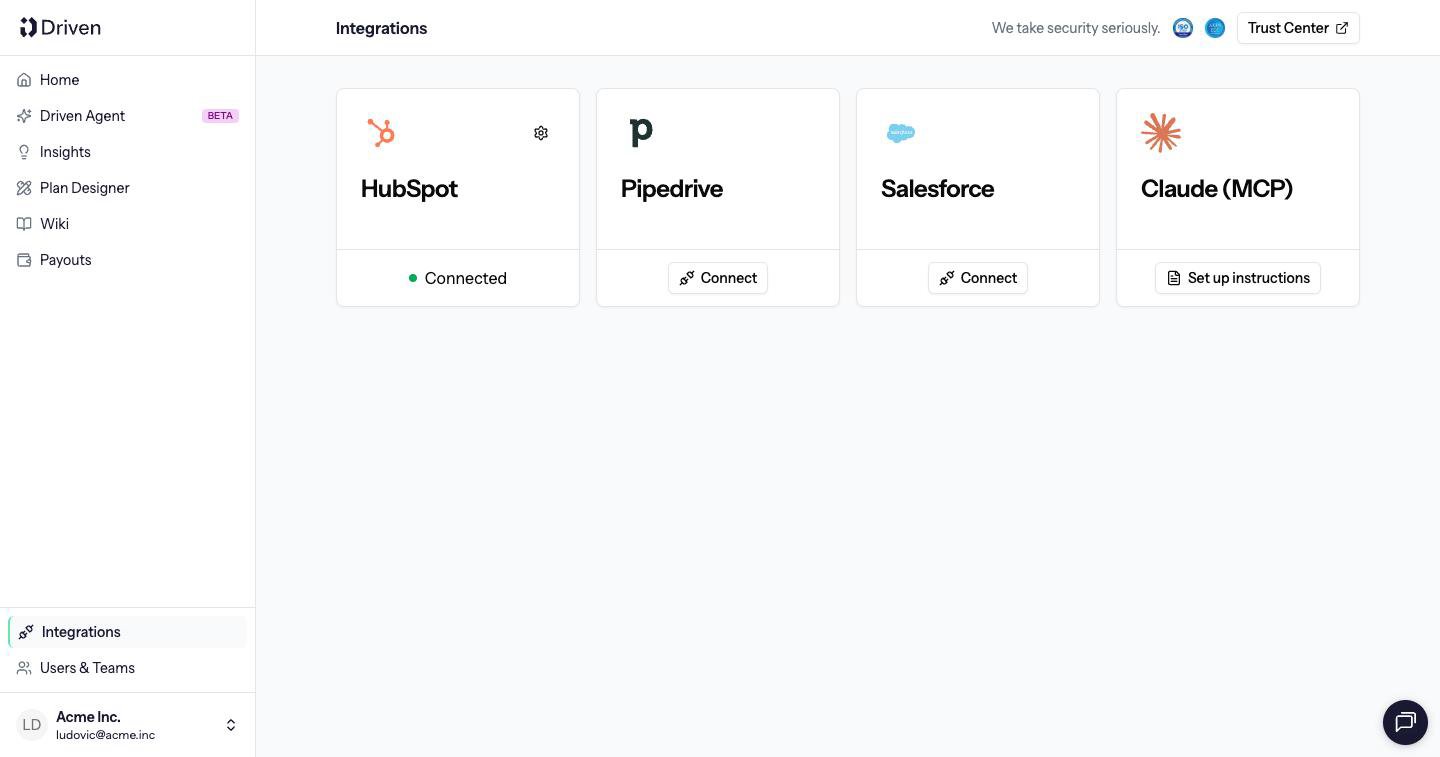
Go to Integrations. Each CRM has a card.
2
Connect
Click Connect and sign in to the CRM. Grant the requested access. The card shows Connected when the sync can run.
3
Reconnect if access is missing
If the connection drops, or the CRM permissions are incomplete, the card shows Disconnected or a Missing permissions warning. Click Reconnect and grant access again.
This will stop syncing CRM data. Existing payouts and historical data will be preserved.Disconnecting does not delete payouts, plans or the deals already synced. It stops new changes arriving. Slack can be connected from the same page. Slack is used for notifications. It does not sync deals.

HubSpot
Connect a HubSpot portal.

Salesforce
Connect a Salesforce org.

Pipedrive
Connect a Pipedrive company.

Claude
Let Claude read plans, performance and payouts.