

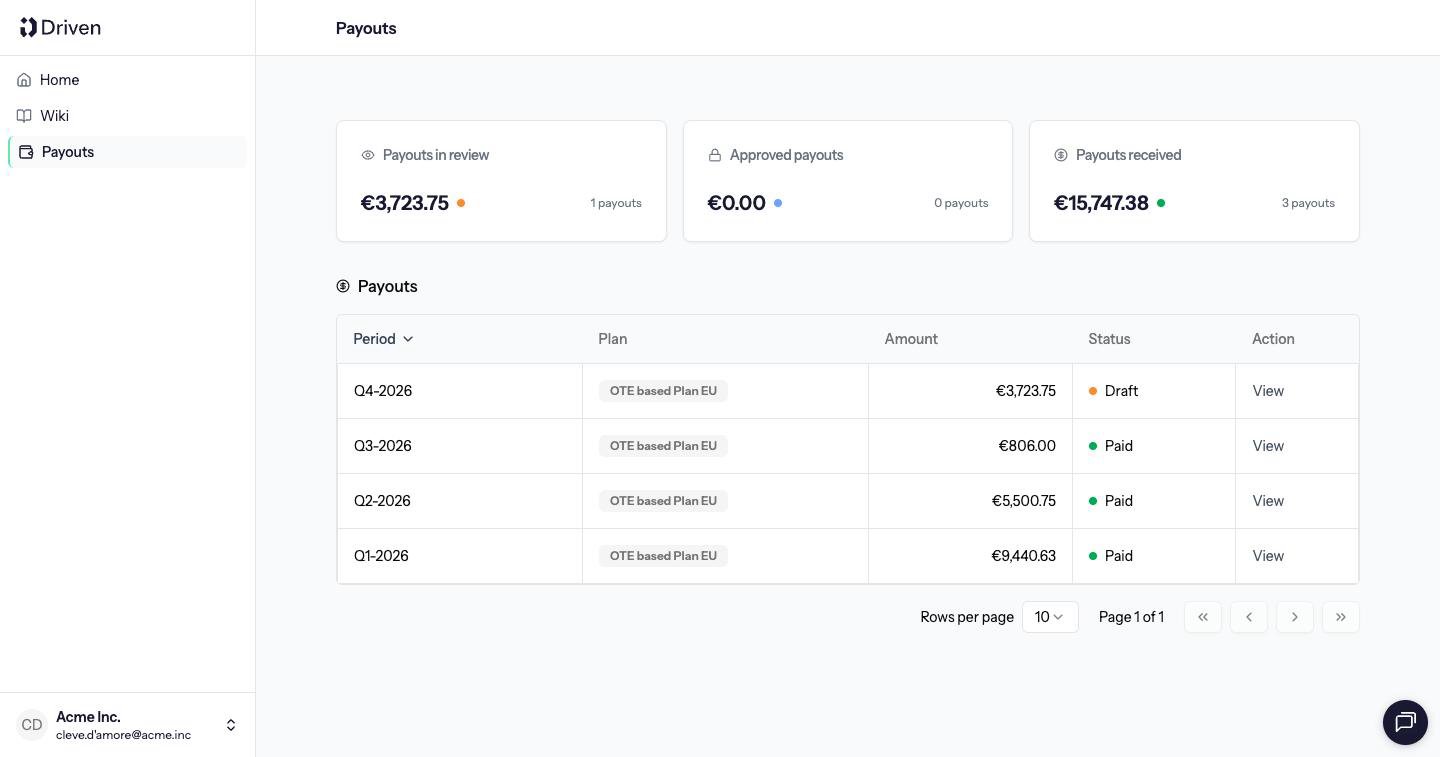
Statuses
You open any row with View.
What you can do
Comment works at every status, on the payout or on a single deal. Commenting does not change the amount. You cannot approve a payout, mark it paid, or add an item. Those actions belong to an admin. See Approve payouts.Why a period can sit in review
Payouts for you on one plan are approved in order. The next period can be approved only after the previous one is Paid. A cancelled period is skipped. March can stay in review while February is approved, or while an earlier period is still a draft.When you are told
If notifications are on, you get an email, and a Slack message when Slack is connected, when:- The payout is approved
- The payout is paid
- An approved payout is put back in review