

Default roles
Two roles exist in every company. They are marked Read-only and cannot be modified.
An employee who opens the Driven Agent can ask about their own payouts. They cannot build plans. Building plans, and Use AI agent beyond that, belongs to admins unless you grant it on a custom role.
Custom roles
Settings, then Roles, lists System roles and Custom roles. New role adds a custom role. A custom role is a set of permissions you name yourself, for example a finance role that can approve payouts but cannot edit plans.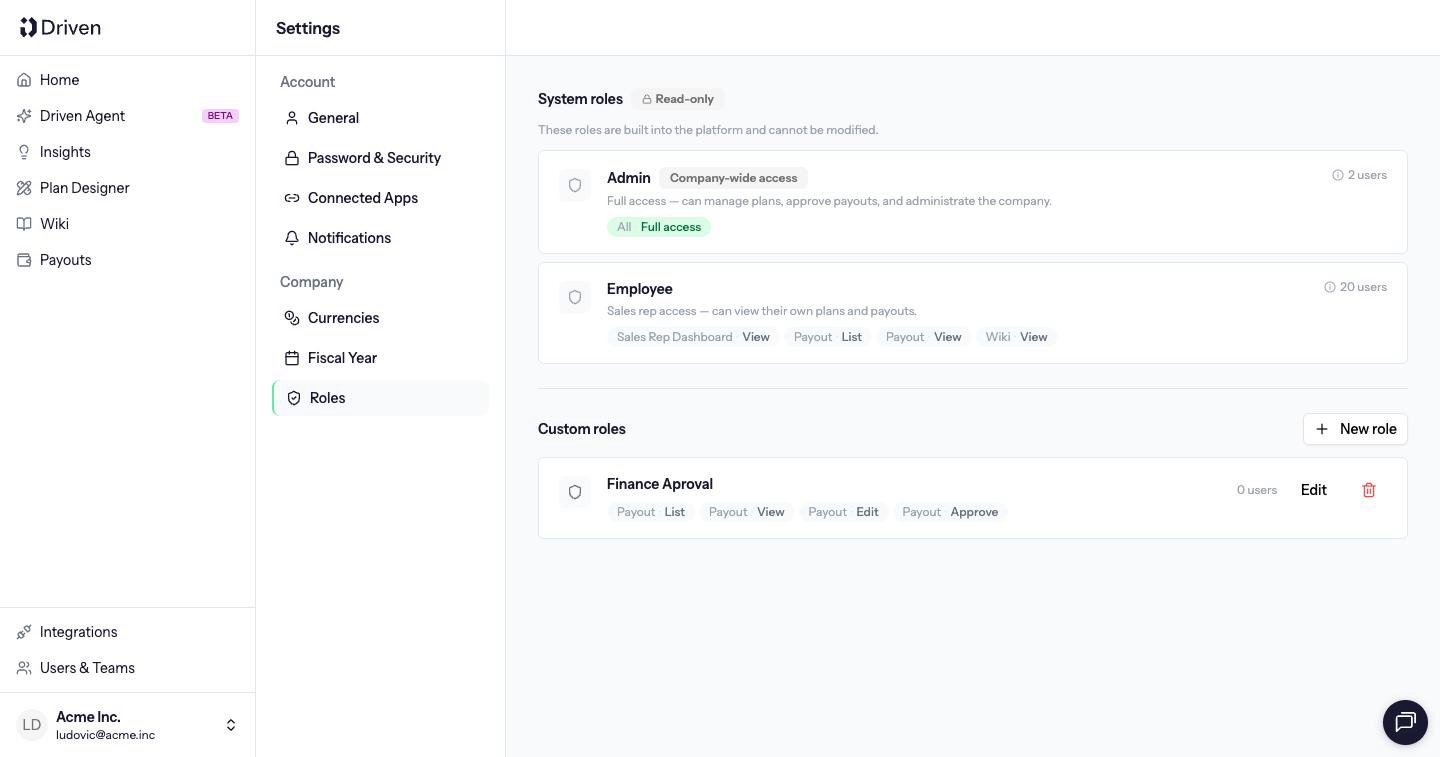
A permission on a plan does not grant it on every plan. Company-wide access, which admins have, applies everywhere.